Answers
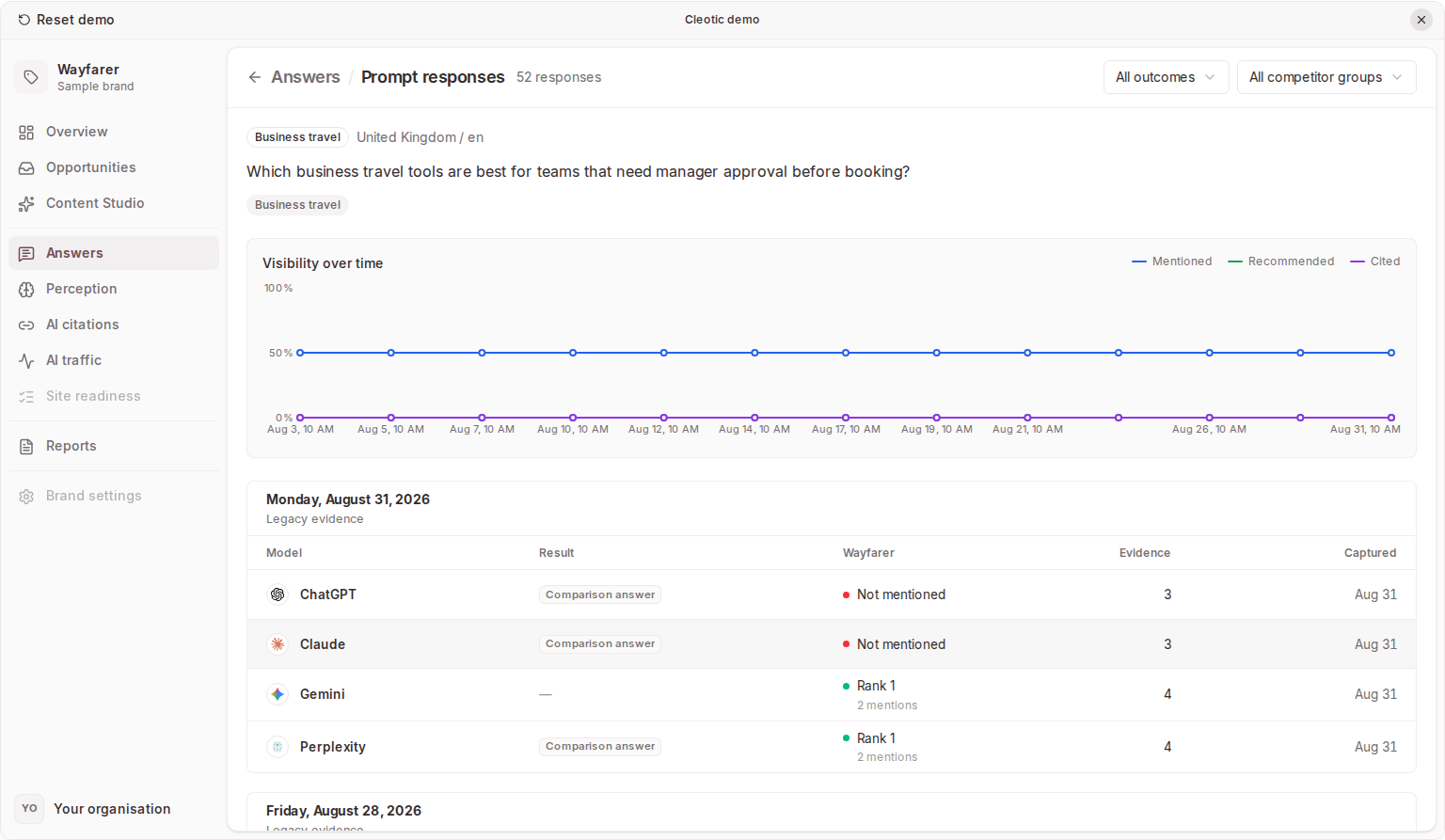
Answers holds what AI models said about your brand. Mentions lists the answers that name your primary brand, and Prompts holds every tracked question with its captured answers. Each answer is one model's response to one prompt at one time, and it is the evidence behind visibility, sentiment, content gaps and citations.
Review mentions
Mentions is the default view. It lists primary-brand mentions by capture date, with the surrounding text and the model that produced the answer.
- Choose a date range, segment, or model to narrow the list.
- Open a mention to inspect its evidence.
- Follow the response link to read the full answer in context.
If the list is empty, confirm the brand has a primary brand record, widen the date range, and check that prompts have captured answers. An answer that does not mention your brand is still available under Prompts.
Read an answer
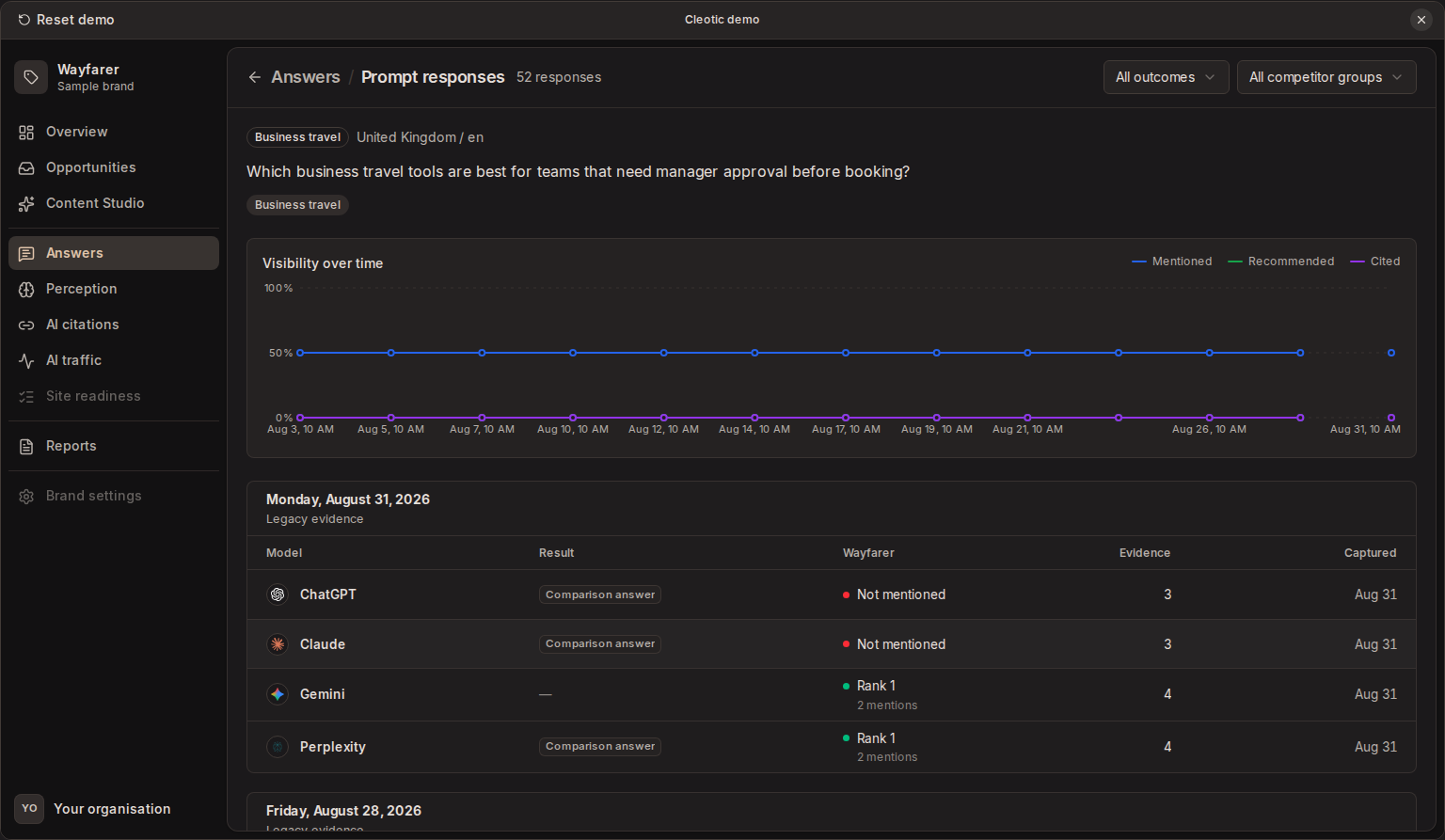
Open Answers → Prompts, choose a prompt, and open an answer, or follow a response link from Mentions. Compare answers across models and capture times, and use the filters to investigate a particular outcome or competitor group.
Check the model and capture time before comparing answers. Repeated runs of the same prompt can produce different wording or recommendations. To see how each run asks the engine, see How answers are collected.
Use Parsed for formatted text or Raw to inspect the captured wording. Detected brand mentions can be highlighted or opened for more detail. Where an engine points a sentence at a source, Parsed shows a small pill after it with the source's icon and site name; select it to open the source. Several sources from the same site after one sentence share a single pill.
Where available, the evidence includes:
- Brand mentions and their positive, negative, or neutral sentiment. A mention also shows the site the answer linked the brand's name to, when it did.
- Recommendation status and ranked recommendations.
- Response classifications and the reasons for them.
- Searches, the searches the engine ran while writing this answer.
- Citations, the sources the engine reported, with their details.
- Links in the answer, the other links the answer contains.
- An AI Insight card with concerns, wins, or suggested actions.
Analysis can be pending or unavailable even when the answer text is ready. Read the captured answer directly when an insight or classification is missing. A missing classification is not a negative result.
Mentioned is different from recommended
A brand can appear in an answer as an example, an alternative, or a criticism. Use the surrounding text and recommendation evidence to understand what the model actually suggested.
Searches behind an answer
Searches lists what the engine searched the web for while writing the answer, in the order it searched. Engines often rephrase your question into their own searches, so this shows the wording a page needs to match to be found.
- Gemini reports how many searches it ran, but not what it searched for.
- Perplexity, Google AI Overviews, and Google AI Mode don't report their searches, so the block doesn't appear.
- "Answered without searching" means the engine answered from what it already knew.
- Claude also lists Read but not cited, pages from its search results that it didn't use in the answer. A page of yours in this list was found but not chosen, which often means it didn't answer the question directly enough.
Citations and links in the answer
An answer can contain two kinds of link, and Cleotic keeps them apart.
- Citations are pages the engine reported as sources for the answer. These feed AI citations and every citation count.
- Links in the answer are links the engine wrote into the text without reporting the page as a source. Google often links a company's name to its website, and models sometimes point you to a page to visit.
A link in the answer means the engine named that company or page, but not that it relied on the page. Citations don't reveal every source in the model's training or prove that the source supports the claim. Open the source when the claim matters. See AI citations.
History and changes
Replacing a prompt's wording keeps earlier answers under the old prompt. Editing brand names or aliases can change historical matches after reanalysis, while the captured answer stays the same. See Prompts.
An expired trial stops new capture and makes the workspace read-only. Access to older history also follows your plan's retention window. See Plans and usage.
Related
Updated