AI traffic
AI traffic shows the AI crawlers that request your pages and the visitors AI assistants send to your site. It needs your site connected first; see Connect your site.
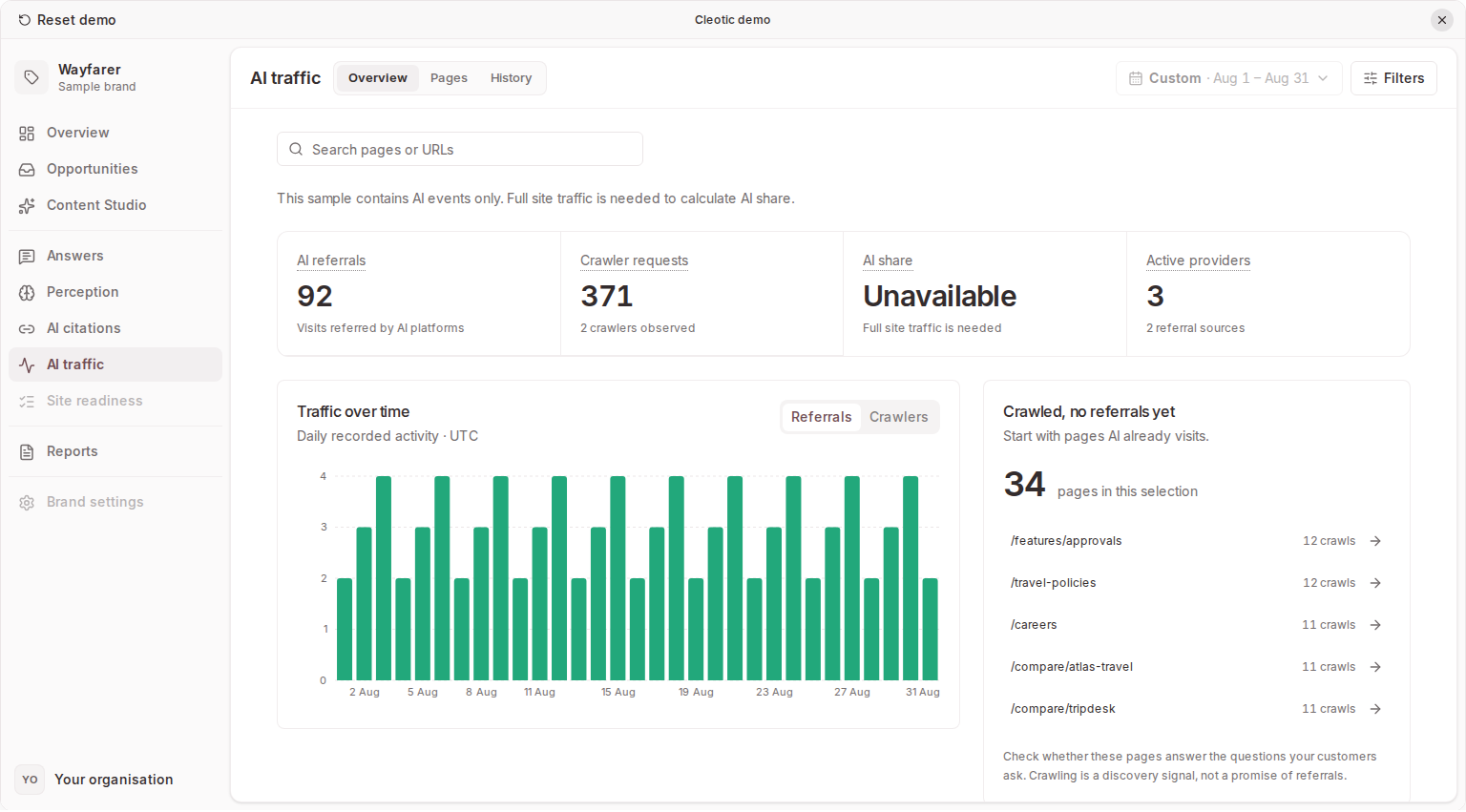
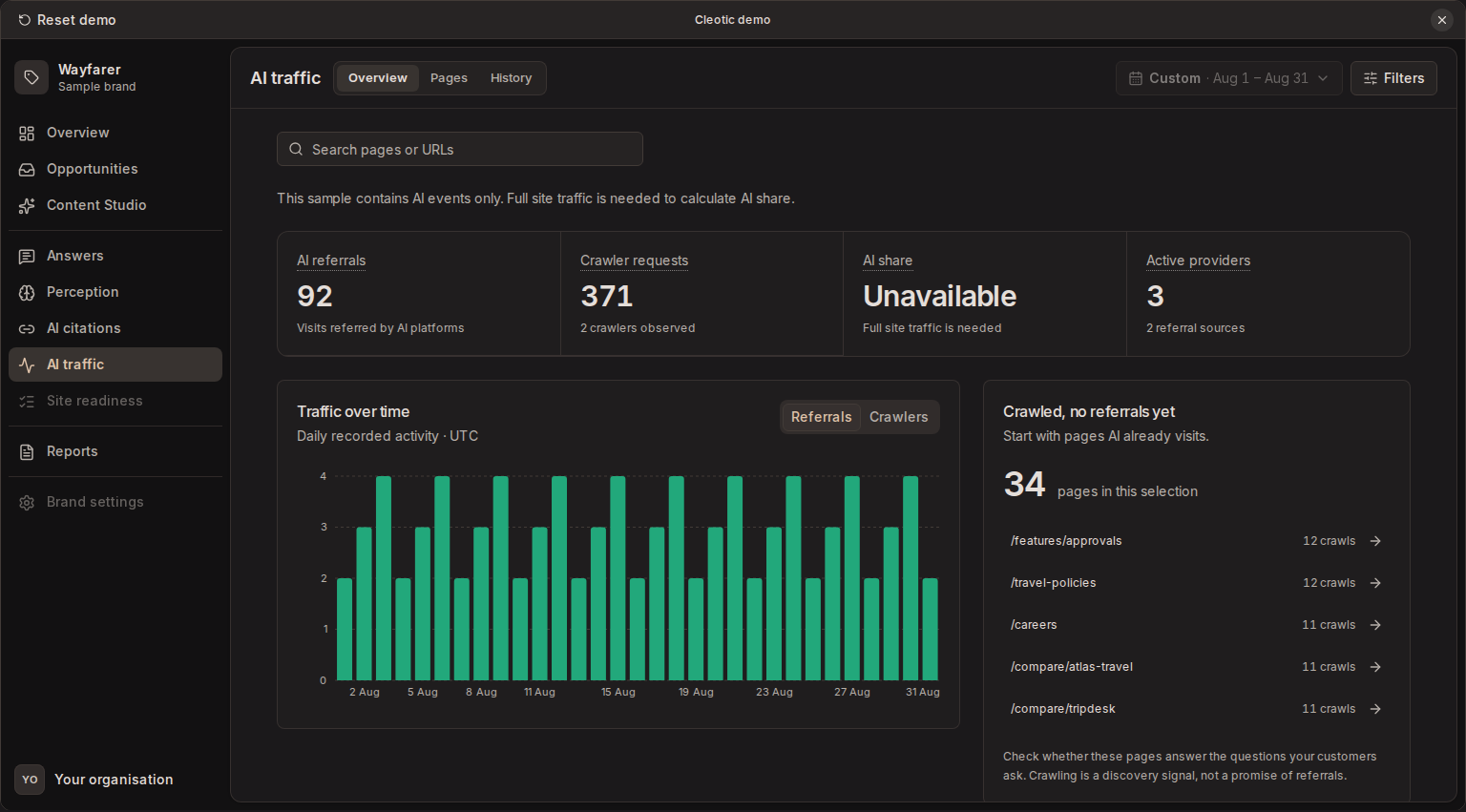
Tracking starts after installation and does not backfill earlier visits. A crawler visit doesn't confirm indexing, training use, or a recommendation in an AI answer, and a referral count is not a count of unique people or sales.
Read the traffic view
The summary includes AI visits, crawler visits, referrals, pages, and AI share when eligible total pageviews are available. Use the date range, domain, provider, crawler, source, and page-search filters to narrow the evidence, and Crawlers only or Referrals only to separate the two.
The page table shows visit counts, systems involved, latest activity, and trends. Open a row to inspect recent events for that page.
Pages that bots crawl at least 20 times in 30 days but that get two or fewer AI referrals appear in Opportunities as traffic gaps, with suggested changes for the page.
AI crawlers
A crawler visit is a request identified from its user agent. User-agent identification is not proof of the visitor's identity.
Examples you may see include GPTBot, ClaudeBot, PerplexityBot, and CCBot. CCBot belongs to Common Crawl, rather than Anthropic. See Common Crawl's crawler documentation.
Google-Extended is a robots.txt control token, not a separate HTTP user-agent string. Don't expect a distinct Google-Extended visit as proof that Google's AI systems accessed your site. See Google's crawler documentation.
Check whether important product and comparison pages receive requests. If a page is missing, inspect its public accessibility, internal links and crawl rules with your site team or Site readiness.
AI referrals
AI referrals are visits Cleotic recognises as arriving from an AI assistant. Recognised sources include ChatGPT, Claude, Perplexity, Gemini, Copilot, Meta AI, You.com, Le Chat, Grok, Character.AI, and DuckDuckGo AI.
Server-side integrations inspect the referring URL and recognised utm_source values. Browser tracking detects a recognised AI referrer through its beacon. WordPress also offers an optional frontend beacon for referrals on cached pages.
Referral data does not identify the exact answer or prompt behind a visit. Check which pages receive visits and whether the pattern persists after a content change.
AI share
AI share needs a total-pageview denominator as well as AI events. The browser snippet and WordPress's AI events only mode record AI evidence, not every pageview, so their share is incomplete. Missing total-pageview data is not 0% AI traffic.
When visits are missing
- Confirm the site is connected and active.
- Widen the date range and clear crawler, source or page filters.
- Check that the domain and subdomain match the installation.
- For browser tracking, remember that a crawler that only fetches HTML won't run the snippet.
- For server tracking, check delivery and whether caching or request filtering excludes the traffic.
Robots.txt rules may stop a cooperative crawler from requesting a page, and a firewall may block a request before it reaches your origin. Some assistants and browsers remove referral information, so a visit with no recognised referrer or campaign source may not be attributed to AI. A connected site with no referral rows can still be working correctly.
Related
Updated