Perception
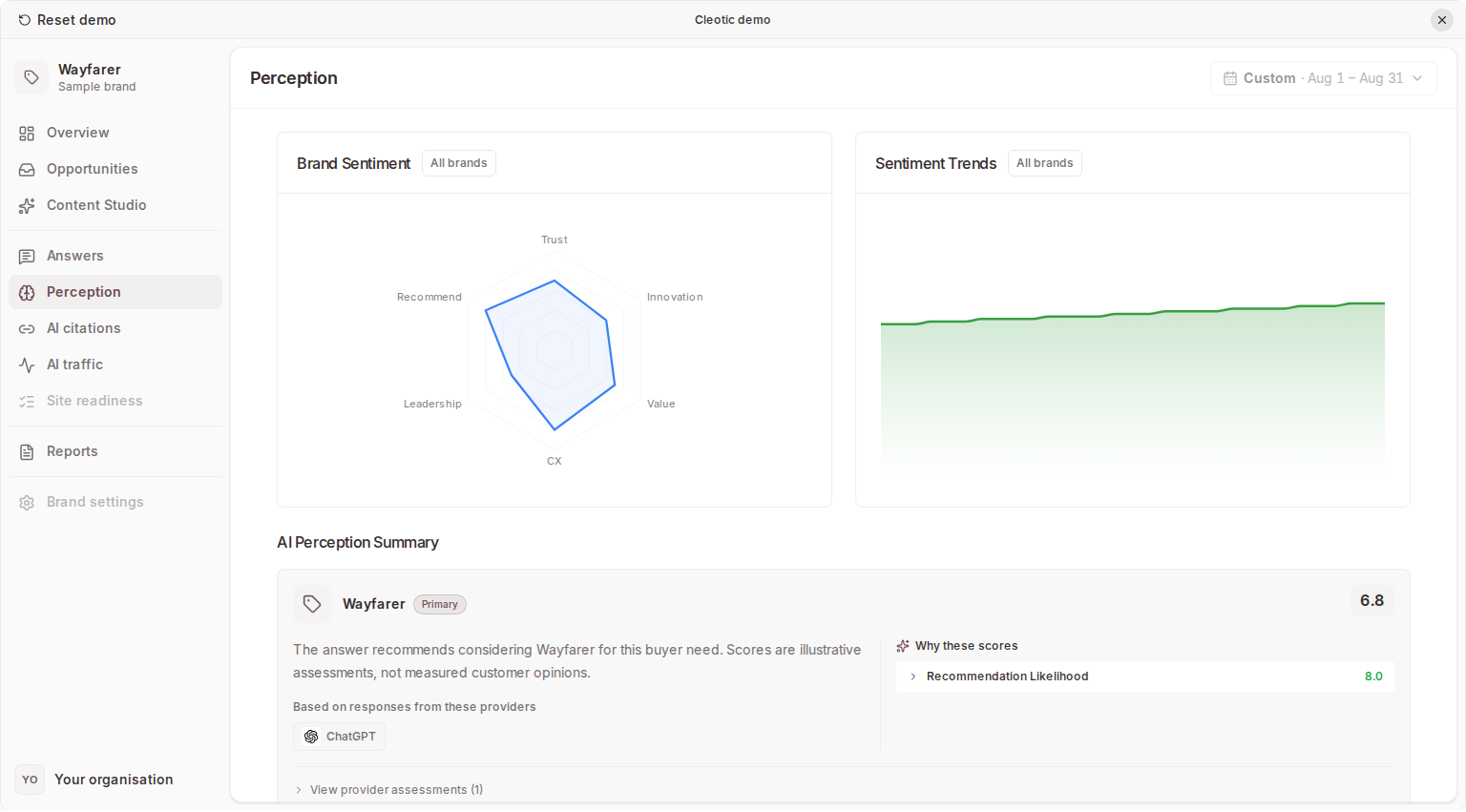
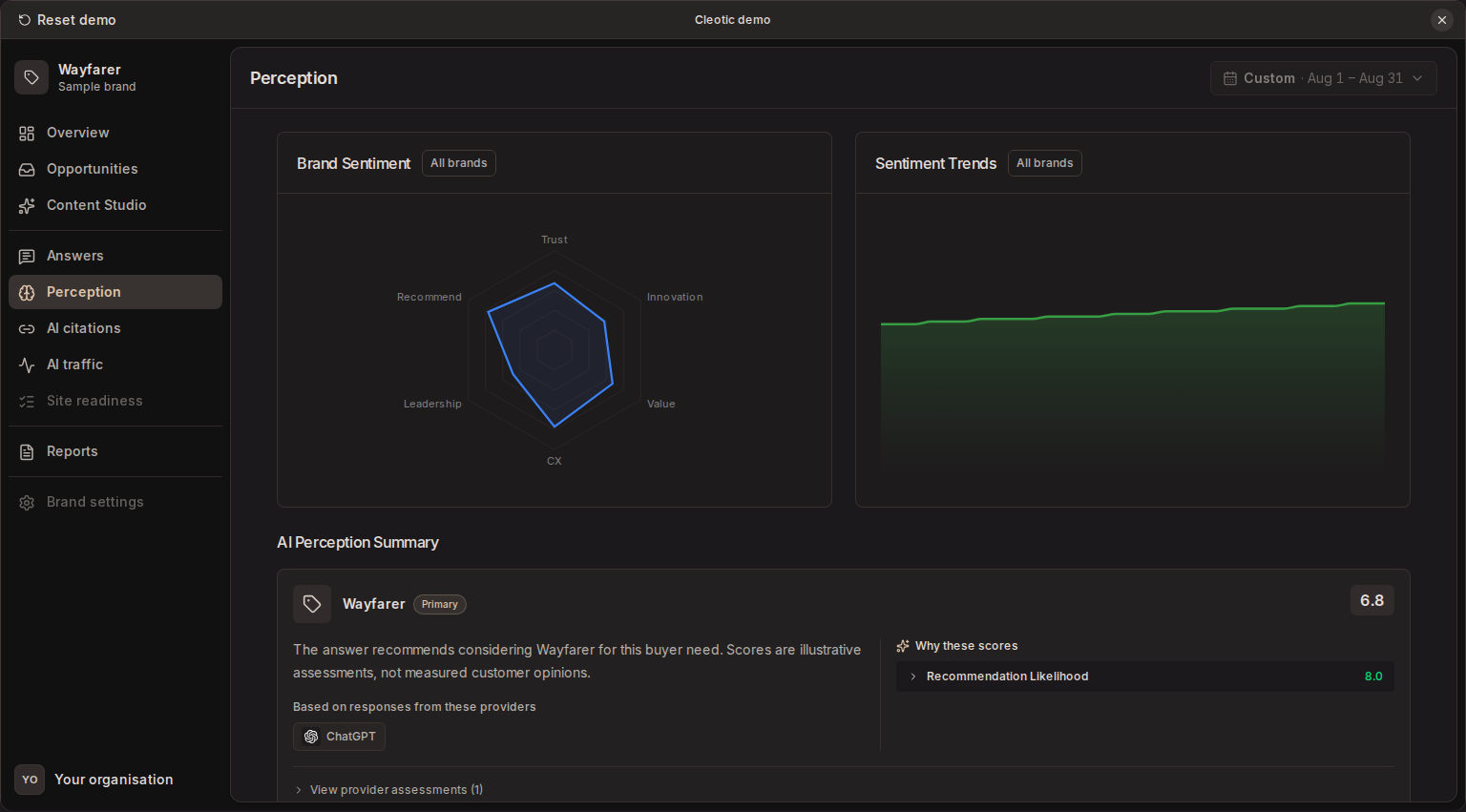
Perception shows how AI models assess your brand and its competitors across six dimensions, with trends, summaries and the evidence behind them. These are model assessments, not customer survey results.
The six dimensions
Cleotic scores each dimension on a ten-point scale:
- Trust / Reliability
- Innovation
- Value for Money
- Customer Experience
- Market Leadership
- Recommendation Likelihood
Read the scores
Sentiment is the default view when data is available. It can include:
- A radar chart comparing your primary brand and competitors across all six dimensions
- A trends view over time
- AI-written summaries for the selected brand, and per-model summaries
- Evidence panels for specific dimensions
Choose Week, Month or Year and keep the date range and segment consistent when comparing competitors.
Compare individual dimensions as well as the average, and open the supporting evidence to check the claims behind a score. When one model looks out of step with the others, read its summary and evidence. A neutral mention badge on an answer is separate from this assessment. Use Perception alongside visibility and citations to understand both prominence and perception.
Schedule and plans
Sentiment has its own schedule, separate from prompt collection. Open Brand settings → Perception to set the refresh frequency your plan allows and to pause or resume sentiment monitoring. Business and trial offer monthly refresh; Custom adds weekly. There is no separate model picker for sentiment.
Starter plans show Perception locked. Upgrade to Business or above to collect and view sentiment scores, trends, schedule settings and evidence.
When a score is missing
Missing evidence or a pending summary is not a zero score. Check collection and plan access; you can still read the captured text in Answers.
Related
Updated