AI traffic
AI traffic shows the AI crawlers that request your pages and the visitors AI assistants send to your site. It needs your site connected first; see Connect your site.
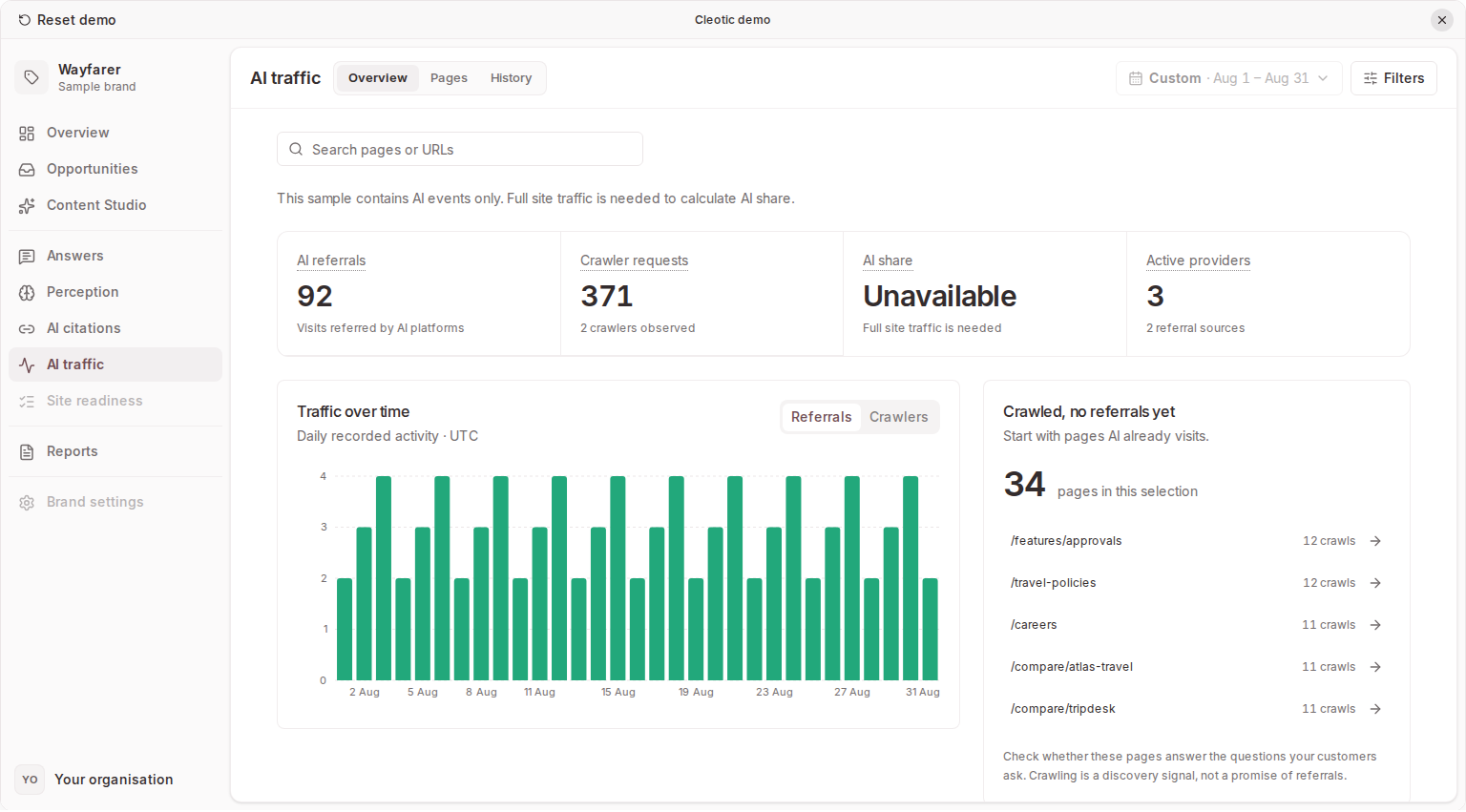
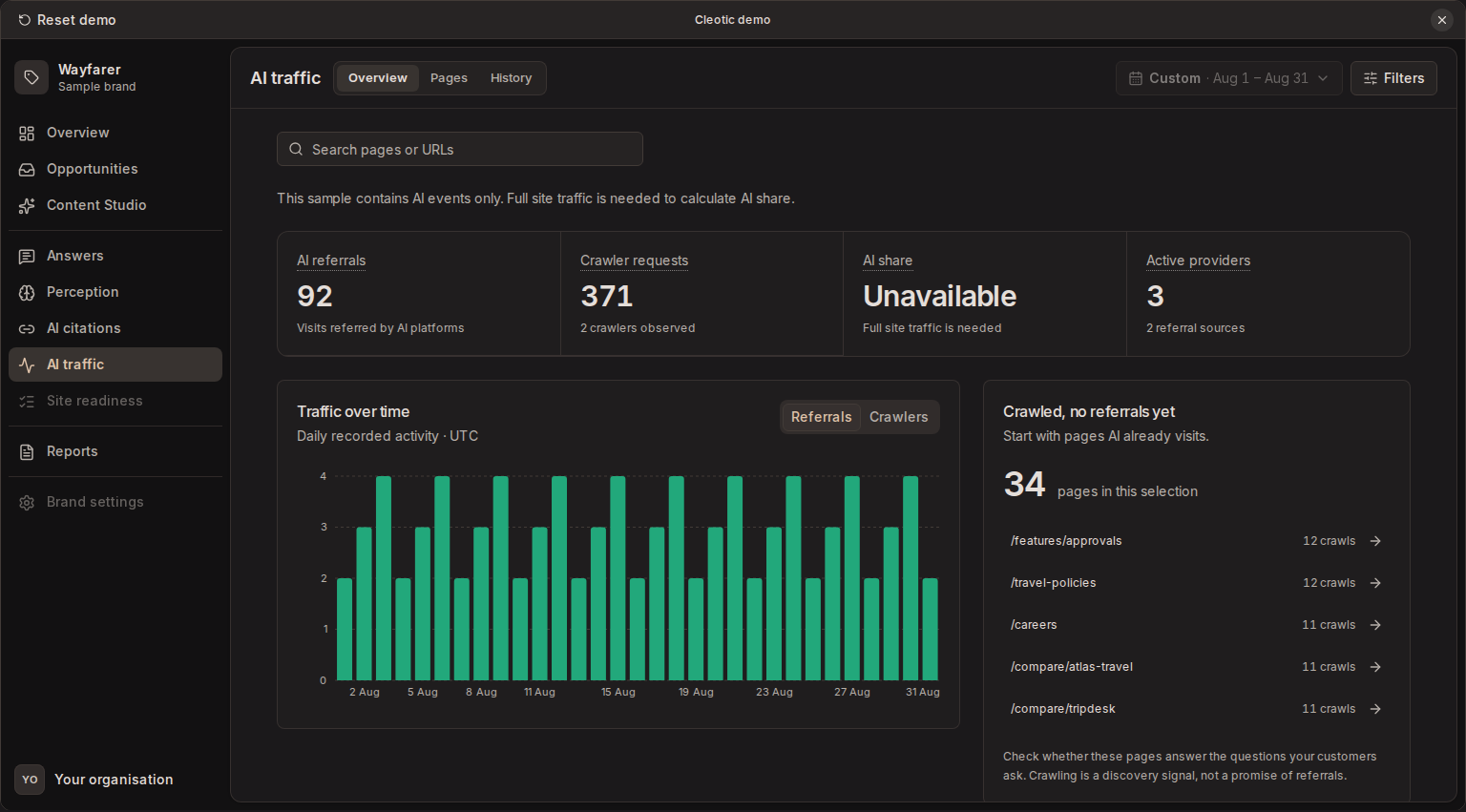
Tracking starts after installation and does not backfill earlier visits. A crawler visit doesn't confirm indexing, training use, or a recommendation in an AI answer, and a referral count is not a count of unique people or sales.
Read the traffic view
Overview follows the path from a bot reading your pages to a person clicking through to your site. It has four stages:
- Read for training, Indexed for AI search and Fetched to answer a question count AI crawler requests by purpose. Each stage shows its busiest bots and the share of their requests that were verified.
- Clicked through to your site counts visitors from AI answers. It shows the AI share of human visits when every pageview is recorded.
Crawler requests and visitors are separate counts and are never added together. The daily chart shows one or the other. By AI company puts each company's requests by purpose beside the visitors it sent. Pages AI reads most lists the pages with the most AI requests and visitors. Search engines are listed under the company table, but no number counts them. Select a bot, a source or a company to see its requests in History.
The period applies to every tab. To narrow the evidence, use the views, filters and search in Paths and History. Open a path in Paths to inspect recent events for that page.
Pages that bots crawl at least 20 times in 30 days but that get two or fewer AI referrals appear in Opportunities as traffic gaps, with suggested changes for the page.
AI crawlers
Cleotic counts requests from documented AI crawlers and groups them by why the crawler fetched the page.
| Purpose | What it means | Examples |
|---|---|---|
| Answer fetch | An AI assistant fetched the page while answering someone's question. This is the closest crawler signal to real demand. | ChatGPT-User, Claude-User, Perplexity-User, meta-externalfetcher, Google-Agent |
| Search index | A crawler built an AI search index. Being indexed makes a page eligible to appear in answers. | OAI-SearchBot, Claude-SearchBot, PerplexityBot, meta-webindexer |
| Training | A crawler collected content to train AI models. Training doesn't make a page appear in answers. | GPTBot, ClaudeBot, Amazonbot, meta-externalagent, CCBot |
Each Overview stage counts one purpose. Paths and History count all three. CCBot belongs to Common Crawl, whose public dataset many AI models train on, rather than to Anthropic. See Common Crawl's crawler documentation(opens in a new tab).
A crawl doesn't confirm that a page was cited, and training crawls don't lead to referrals. Check whether important product and comparison pages receive answer fetches and search index crawls. If a page is missing, inspect its public accessibility, internal links and crawl rules with your site team or Site readiness.
What isn't counted
- Link previews, such as facebookexternalhit, Twitterbot and Slackbot. They fetch a page when someone shares a link.
- Search engines, such as Googlebot, Bingbot and Applebot. Overview lists them under By AI company and History shows their requests, but no number counts them. Their indexes also feed Google AI Overviews, AI Mode, Gemini, Copilot and Apple Intelligence, but the same requests serve ordinary search.
- Robots.txt control names. Google-Extended and Applebot-Extended control how Google and Apple use your content but never send requests of their own, so a request that uses either name is fake. See Google's crawler documentation(opens in a new tab).
- AI-sounding names that no operator documents, such as DeepSeekBot and PanguBot. Anyone can send them.
- AI browsers on a person's own computer, such as Perplexity Comet and Claude in Chrome. They look like ordinary browsers.
- Tools that check whether you block AI crawlers. Such a tool fetches one page under many crawler names within seconds. When five or more crawler names that can't be verified fetch the same page in the same minute, Cleotic treats those requests as coming from such a tool and doesn't count them as AI crawlers. Verified requests in that minute still count.
Verified requests
A crawler names itself in its user agent, and anyone can copy that name. For each crawler request, Cleotic checks the IP address against the list of crawler addresses the operator publishes. Requests from outside the list are spoofed and aren't counted.
Overview shows the share of requests that were verified for each stage and each AI company. It counts only bots whose operator publishes a list:
- Verified requests came from an address on the operator's list. Meta publishes no list, so its crawlers are checked against Meta's own network.
- No IP lists means the operator publishes no addresses, as with Bytespider and YouBot. Their requests are counted but can't be checked.
- Claude Code fetches pages from the computer of the person using it, so its address is never on Anthropic's list. Its requests are counted as unverified, not spoofed.
- A request is also unverified when the connection doesn't send the visitor's IP address. The WordPress plugin doesn't send it, so WordPress crawler requests are counted as unverified. When a site has sent no visitor IP addresses in the last 7 days, Overview says so in its note about that site, with the reason when Cleotic can tell.
AI referrals
AI referrals are visits Cleotic recognises as arriving from an AI assistant. Recognised sources include ChatGPT, Claude, Perplexity, Gemini, Copilot, Meta AI, You.com, Le Chat, Grok, Character.AI, and DuckDuckGo AI.
Server-side integrations inspect the referring URL and recognised utm_source values. Browser tracking detects a recognised AI referrer through its beacon. WordPress also offers an optional frontend beacon for referrals on cached pages.
ChatGPT can open links without a referrer or a utm_source value. These visits look like direct traffic and Cleotic can't attribute them, so treat ChatGPT referral counts as a minimum. Answer fetches still show ChatGPT retrieving your pages to answer users, whether or not anyone clicks through.
Referral data does not identify the exact answer or prompt behind a visit. Check which pages receive visits and whether the pattern persists after a content change.
AI share
AI share needs a total-pageview denominator as well as AI events. The browser snippet and WordPress's AI events only mode record AI evidence, not every pageview, so their share is incomplete. Missing total-pageview data is not 0% AI traffic.
Rules
Rules fix how Cleotic reads your paths. Manage them in Brand settings → AI traffic, or choose Add a rule for paths like this on a path or a request. Each rule matches one or more paths: a path that is, starts with, ends with or contains some text, a whole section, or a pattern such as /og/* or *.pdf. A * matches any run of characters, including /. Patterns ignore case, the query string and a trailing slash. While you edit a rule, the dialog shows the paths it matches in the last 30 days.
Brand rules apply to everyone who reads the brand. A brand rule either excludes the matching requests or sets their type: page, discovery file, preview image, asset or data. Owners and admins edit brand rules and set their order. When two type rules match a request, the first one wins. Rules change past traffic as well as new traffic.
Personal exclusions hide paths for one person. Anyone with access to the brand can make one. It is private unless its owner shares it with the brand. A shared exclusion starts switched off for everyone else, and each person can switch it on. While yours are on, a chip beside the period or in the view bar shows how many, and one click switches them all off. An owner or admin can promote a shared exclusion to a brand rule.
An excluded request leaves every number, including the human visits behind AI share. The Excluded view shows only the requests your rules exclude, and a request's details name the rule that excluded it or set its type. Reports, the brand overview, opportunities, site readiness, the CLI and MCP tools use brand rules only.
When visits are missing
- Confirm the site is connected and active.
- Widen the date range and clear crawler, source or page filters.
- Check that the domain and subdomain match the installation.
- For browser tracking, remember that a crawler that only fetches HTML won't run the snippet.
- For server tracking, check delivery and whether caching or request filtering excludes the traffic.
Robots.txt rules may stop a cooperative crawler from requesting a page, and a firewall may block a request before it reaches your origin. Some assistants and browsers remove referral information, so a visit with no recognised referrer or campaign source may not be attributed to AI. A connected site with no referral rows can still be working correctly.